Your IPTV.
Finally beautiful.
Live TV, TV guide, movies and series from your own provider –
in an app that feels like a streaming service.
Then 3 USD a month per device · VAT included · cancel anytime
- LG webOS
- Samsung Tizen
- Android TV
- Google TV
- iPhone & iPad
- Android
Install Kaydee TV from your TV’s app store or on your phone. The 7-day free trial starts the first time you open the app – no card needed.
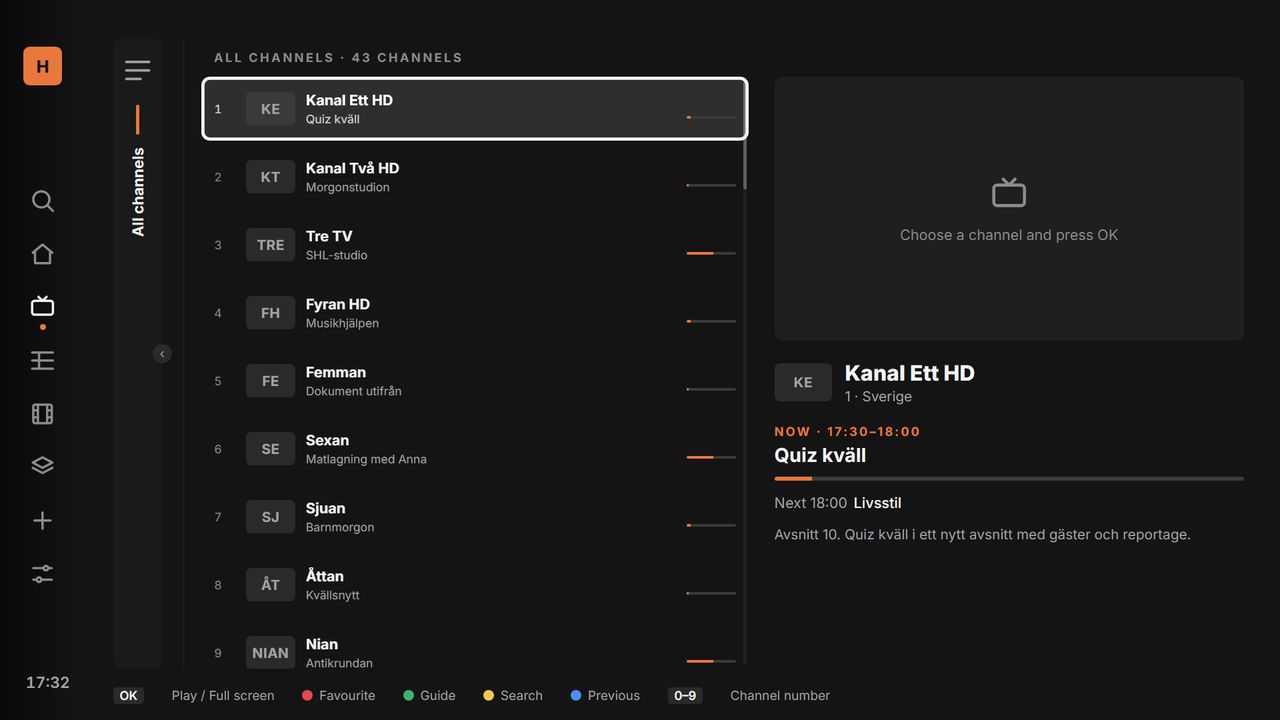
Live TV
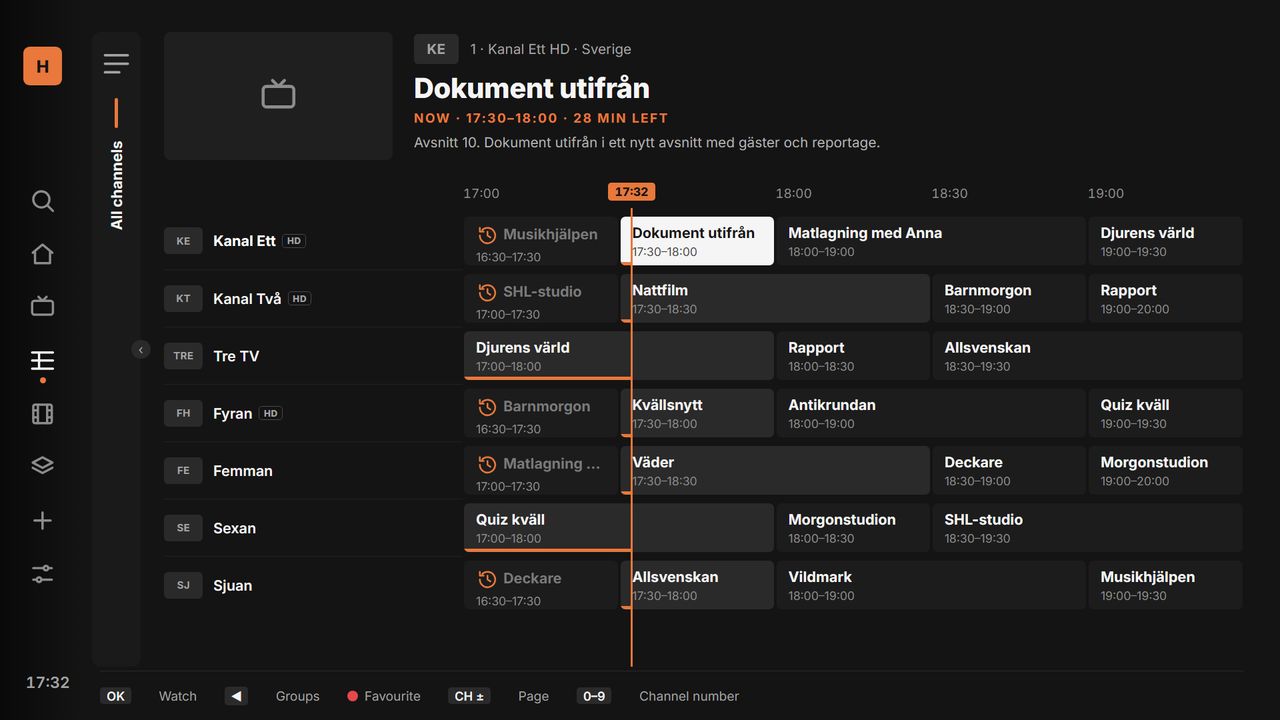
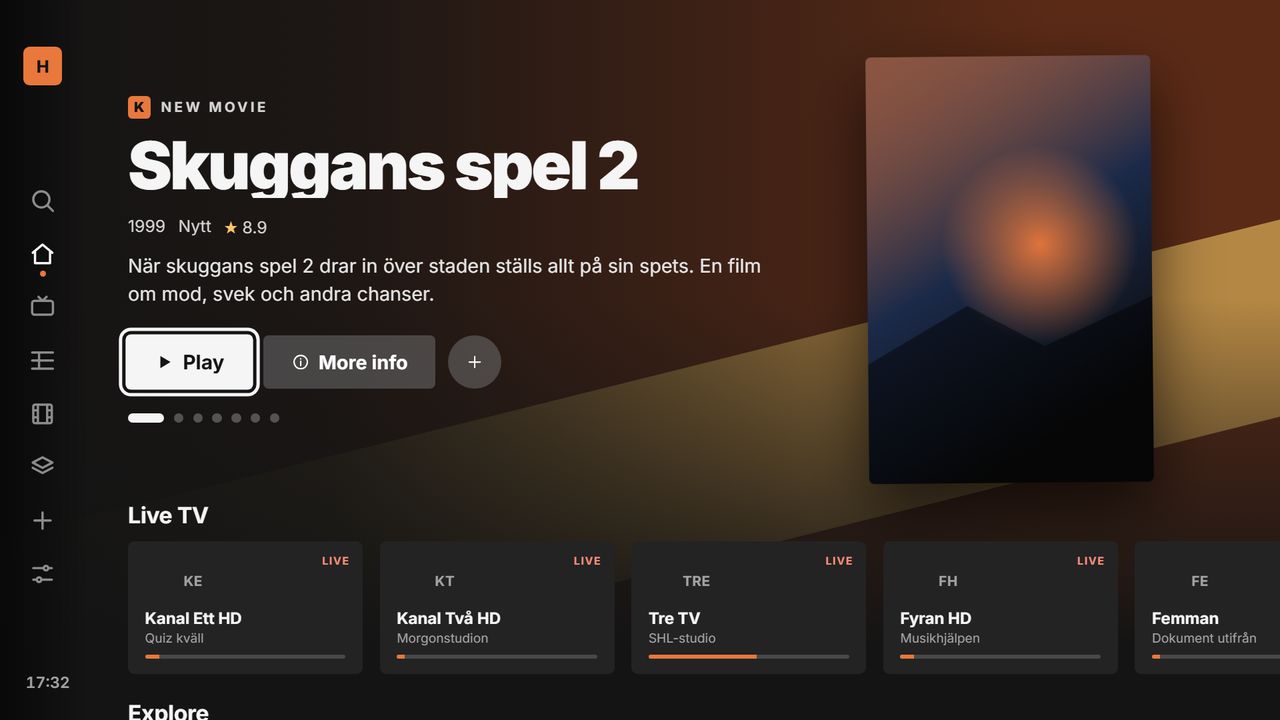
Clear groups, what’s on now and zapping with the remote – just like regular TV.
TV guide
A full week of listings, plus catch-up when your provider supports it.
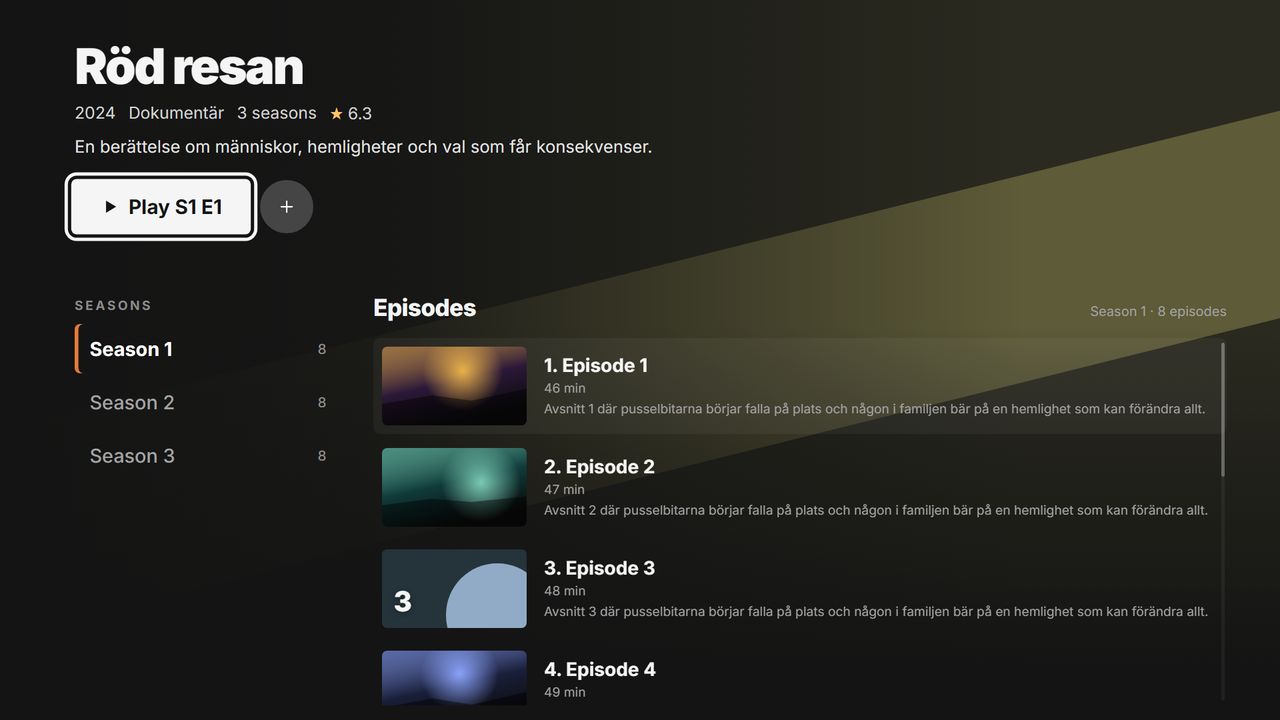
Movies & series
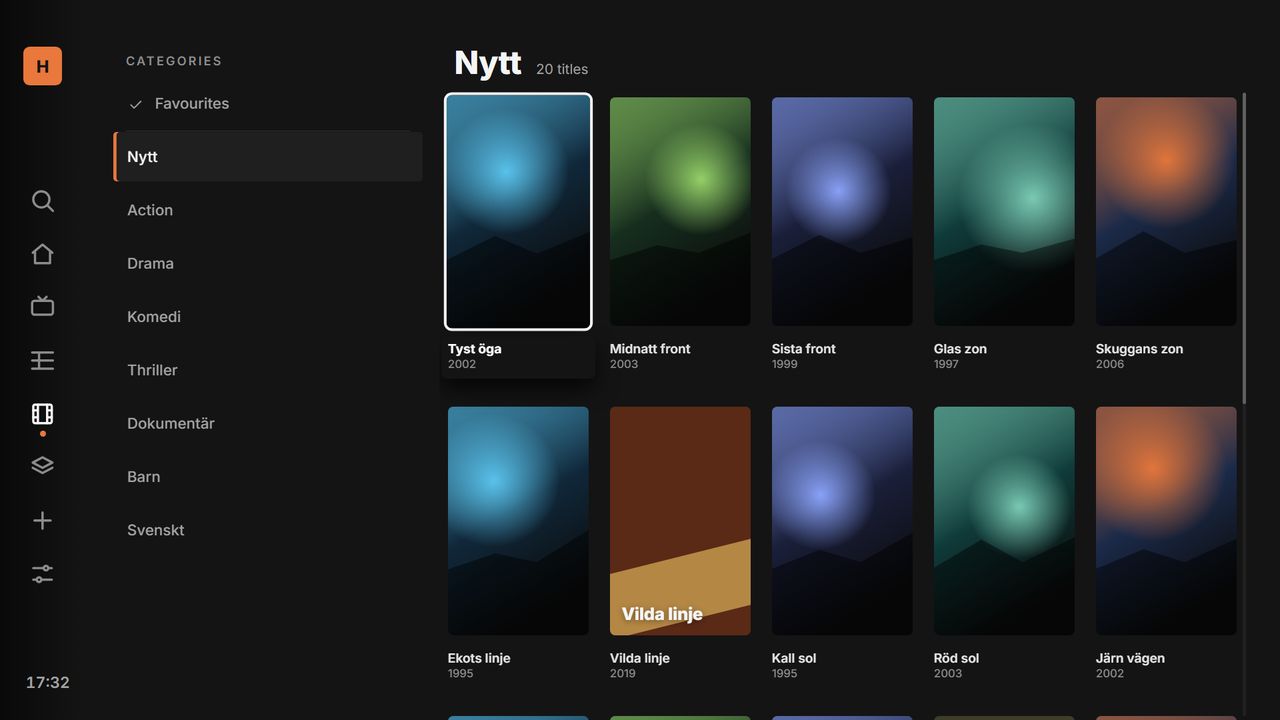
Big posters, Continue watching, seasons and every episode.
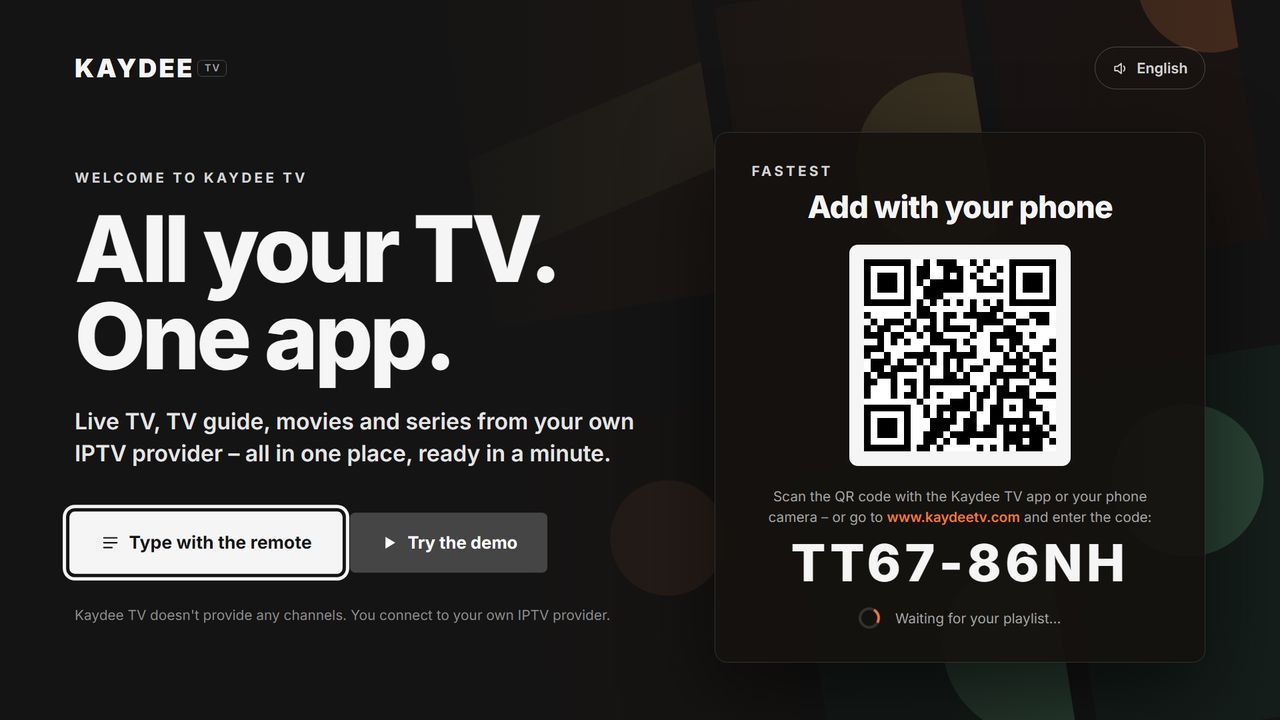
QR pairing
Add your playlist from your phone in seconds. No typing with the remote.
Scan. Done.
Your TV shows a QR code. Scan it with the Kaydee TV app or your camera – the playlist lands on the TV instantly. No fiddly typing with the remote.
- Xtream Codes, M3U link or an M3U file
- Sent encrypted and deleted once the TV has it
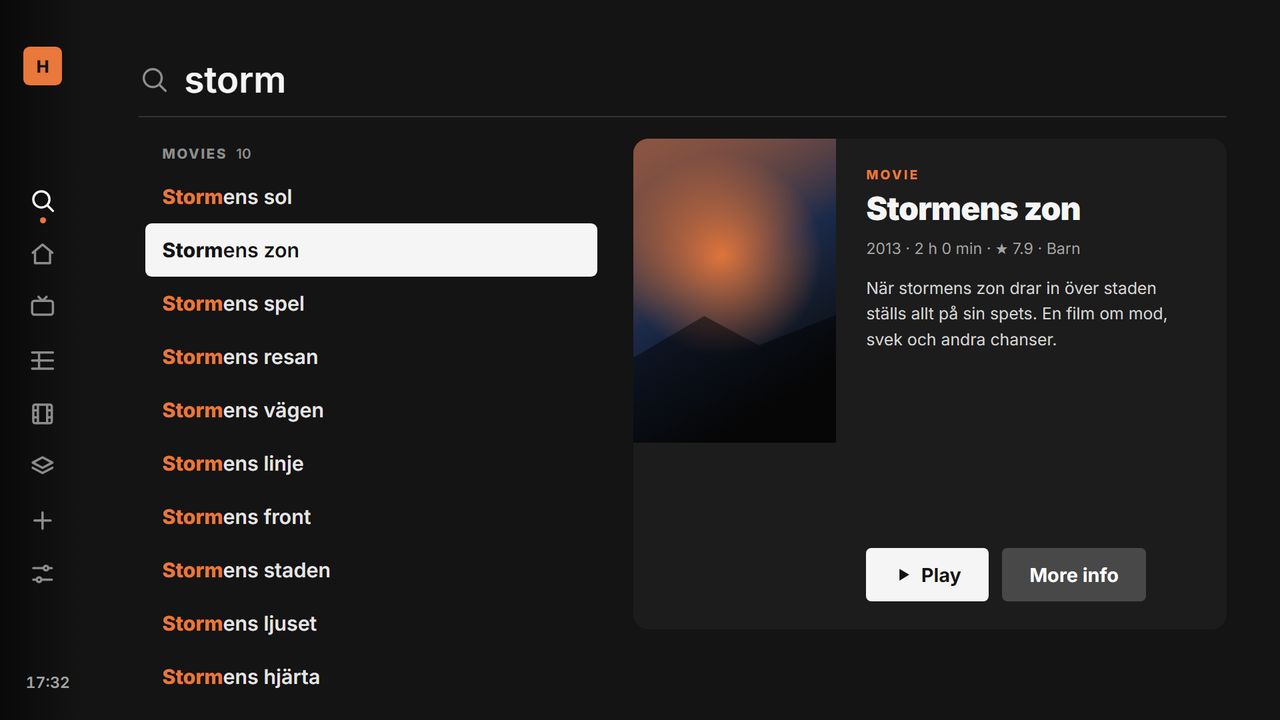
Find anything. Instantly.
Search your whole catalogue as you type – even with typos, in any language. A preview shows the details before you press play.
- Continue where you left off, on every profile
- Favourites and recently watched
Send your playlist to the TV
- 1Open Kaydee TV on your TV and choose Add with phone. A code appears on screen.
- 2Enter the code here and fill in your playlist – or scan the QR code on the TV.
- 3Press Send. The TV fetches the playlist right away and deletes it from the server.
7 days free.
Then 3 USD a month.
Per device, VAT included, no commitment. Activate or manage your subscription at kaydeetv.com/activate with the device ID shown in the app.
- Every feature – live TV, guide, movies, series
- Unlimited playlists and profiles
- All updates included
- Pay with card, Apple Pay or Google Pay
Good to know
Are channels included?
No. Kaydee TV is a player. You add your own IPTV provider (Xtream Codes or M3U) and are responsible for having the right to watch the content.
Which TVs work?
LG TVs with webOS 3 or later (2016 onwards), Samsung Smart TVs with Tizen, and all Android TV and Google TV devices, including most TV boxes. There is also an app for iPhone, iPad and Android phones.
How does the free trial work?
The trial starts automatically the first time you open the app and lasts 7 days – no card needed. After that the app shows a device ID and a QR code that take you to the activation page.
Does one subscription cover all my devices?
No, a subscription is per device: 3 USD a month for each TV or phone you use Kaydee TV on.
How do I cancel?
Go to kaydeetv.com/activate, enter the device ID and choose Manage or cancel. The app keeps working until the end of the paid period.
Is it safe to send my playlist details?
Everything is sent encrypted (HTTPS). Your details can only be fetched with the code your TV shows and are deleted as soon as the TV has them – otherwise automatically after 2 hours at most.
The code on my TV doesn’t work?
The code has 8 characters (A–Z and 2–9). If you closed the screen on the TV or waited a long time, open “Add with phone” again for a new code.